The Gist
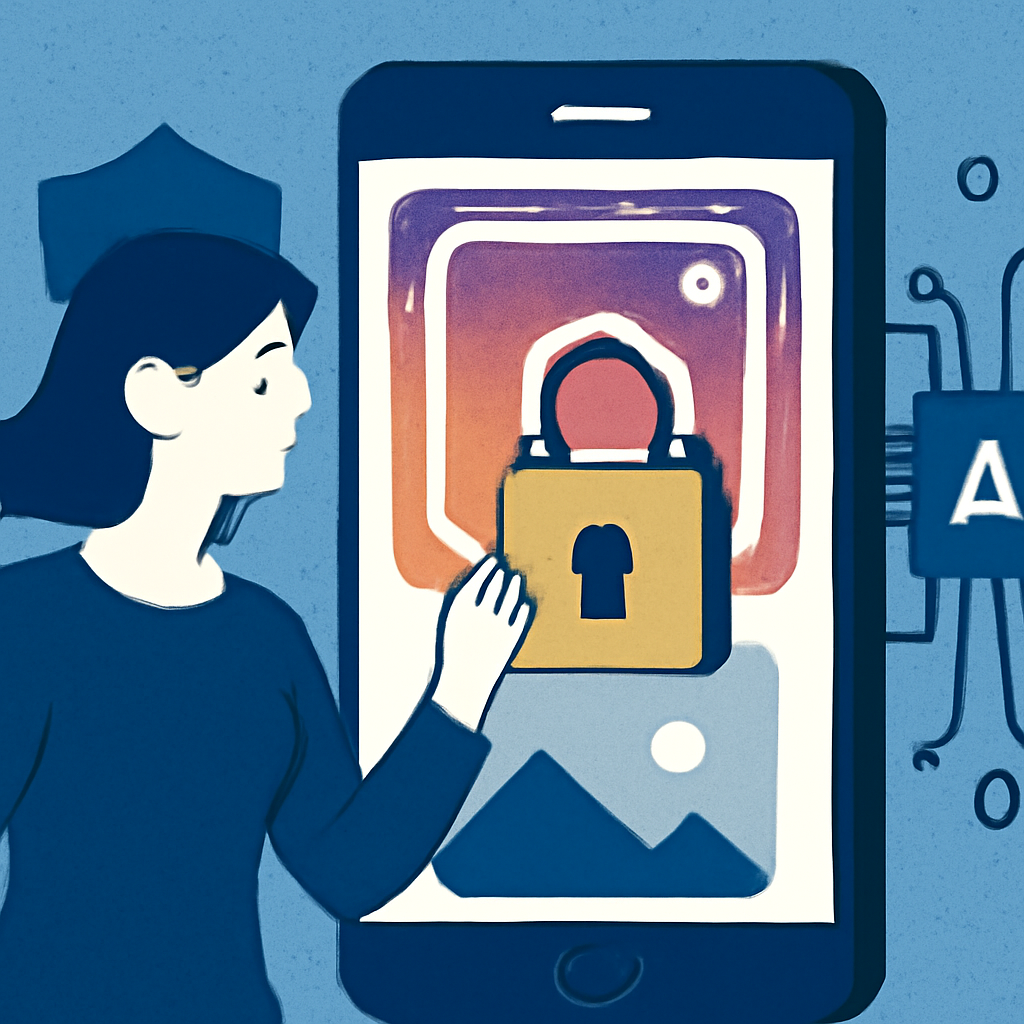
Meta recently launched Muse Image, an AI-driven image generation tool that can use public Instagram photos without user consent. While this raises privacy concerns, users have the option to opt out of this feature.
How It Worked
To prevent Meta's Muse Image from accessing your public photos, follow these straightforward steps: 1. Go to your Instagram profile's Settings. 2. Navigate to the 'Share and Reuse' tab. 3. Toggle off the option for 'Allow people to reuse your content on Instagram and with AI features.' This process ensures that your images are not utilized for AI-generated content, even while keeping your account public.
Results
By opting out, you maintain control over your images while still being part of the Instagram community. This simple action can significantly reduce the risk of your photos being used in ways you did not authorize. Users who have opted out reported feeling more secure about their content, knowing it won’t be exploited by AI.
Why It Matters for You
If you value your privacy and want to prevent unauthorized use of your images, taking a moment to adjust your settings is crucial. This proactive step can help you maintain your digital presence without compromising your rights as a content creator.