What Happened
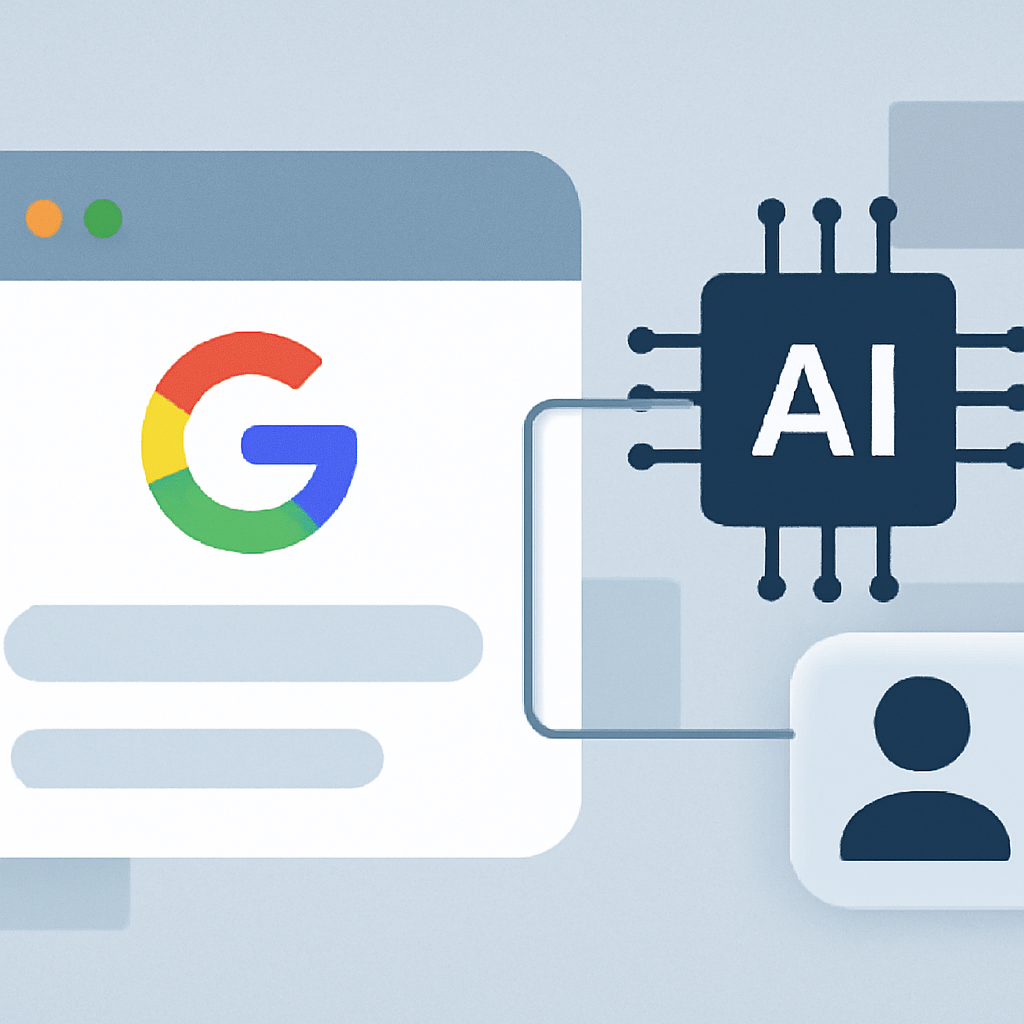
GitHub Copilot, a tool designed to assist developers, has expanded its capabilities in Visual Studio Code. It can now not only provide coding suggestions but also test web applications directly in the browser. Users can launch a page, navigate through the interface, and see any errors that appear in the console. Subsequently, Copilot can return the results of the checks back to the chat, significantly simplifying the testing process.
Why This Matters
This update is significant for developers as it elevates the interaction with AI to a new level. Now Copilot can perform tasks that previously required direct involvement from developers, allowing them to focus on more complex aspects of their work. Additionally, automating the testing of web applications can speed up the development process and enhance the quality of the final product by helping to identify errors at early stages.
Context
Previously, GitHub Copilot was mainly limited to functions related to code writing and correction. The ability to interact with the browser is a response to the growing demands from developers for more powerful tools. In recent years, AI assistants have become increasingly prevalent in software development, and this update underscores the trend towards their autonomy and versatility.
What It Means
The enhanced capabilities of GitHub Copilot open new horizons for developers. They can now rely on AI not only for writing code but also for testing it. This could lead to a significant reduction in debugging time and an improvement in code quality. In the long term, such tools may radically change development approaches, boosting productivity and allowing developers to focus on more creative tasks.